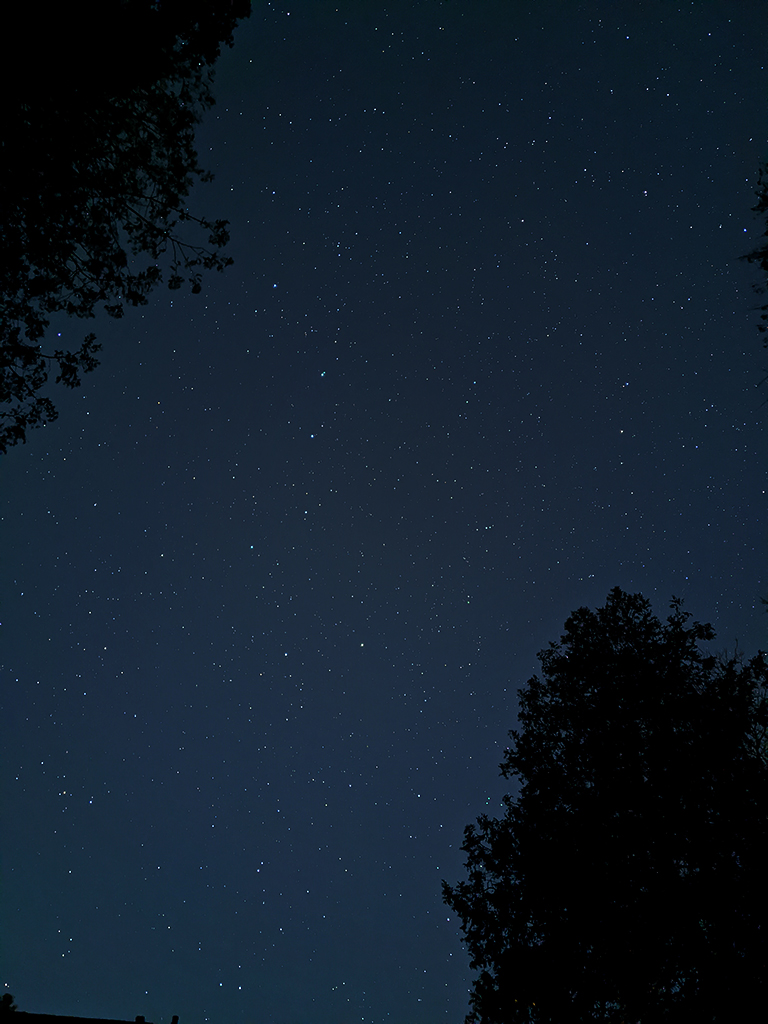
We had a clear night so I decided to try the "Night Sight" mode on my new Pixel 4 phone again. This time instead of handholding the phone, I set it down on the ground and leaned it against a rock to form a makeshift tripod. The phone automatically realized that it was stable, so instead of just exposing the image for a few seconds while asking me to hold still, it set a timer for four full minutes!
Although I didn't have an eye-catching view of the milky way from my driveway, I'm quite impressed with the result. Anyone who is into astrophotography knows that exposing for more than 30 seconds will lead to noticeable star trails. If you put your camera on an equatorial mount then you can expose for longer to get nice crisp stars, but then anything on our planet (like trees) gets blurry due to the camera's movement. So, in order to get this image out of a four minute exposure, the phone automatically figured out how to de-rotate the stars without de-rotating the foreground trees! Internally, I'm sure it did this by taking multiple exposures, and doing a piecewise align-and-stack algorithm. It must have been really fun to work on the team at Google that implemented this feature. Now that I'm working there I can go and read the code to find out how they did it! It has been a while since I used the "hover" feature on my Picture Of The Week. This week if you hover your mouse cursor over the image, it will show you where the big dipper and little dipper are in the photo. If you are on a tablet or a smartphone, try tapping the image once with your finger, then tapping off the image to switch between the two. Technical Details: This photo was taken with my Pixel 4 in "Night Sight" mode.
Hosted by theorem.ca